
Install Core
Install the open-source Core CLI first. Adapter commands are discovered and dispatched by Core after their signed bundles are installed.
$ curl -fsSL https://raw.githubusercontent.com/hydra-dynamix/ldgr-core/main/scripts/install.sh | sh
$ ldgr --version
Configure your harness
After installing the binary, run the interactive installer. It configures your agent harness, records how deeply agents should question project requirements, and can install adapter bundles in the same pass.
$ ldgr install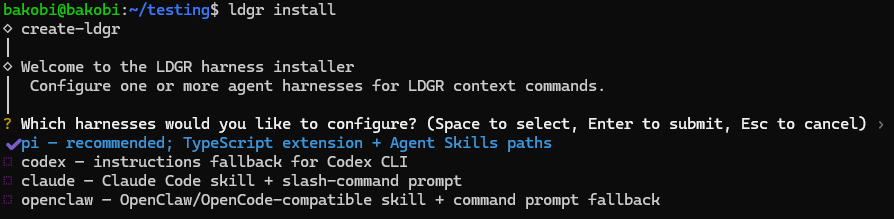
Choose one or more supported agent harnesses. The installer recommends Pi when it is available.

Choose how thoroughly agents should interview you about requirements and how those answers are recorded.
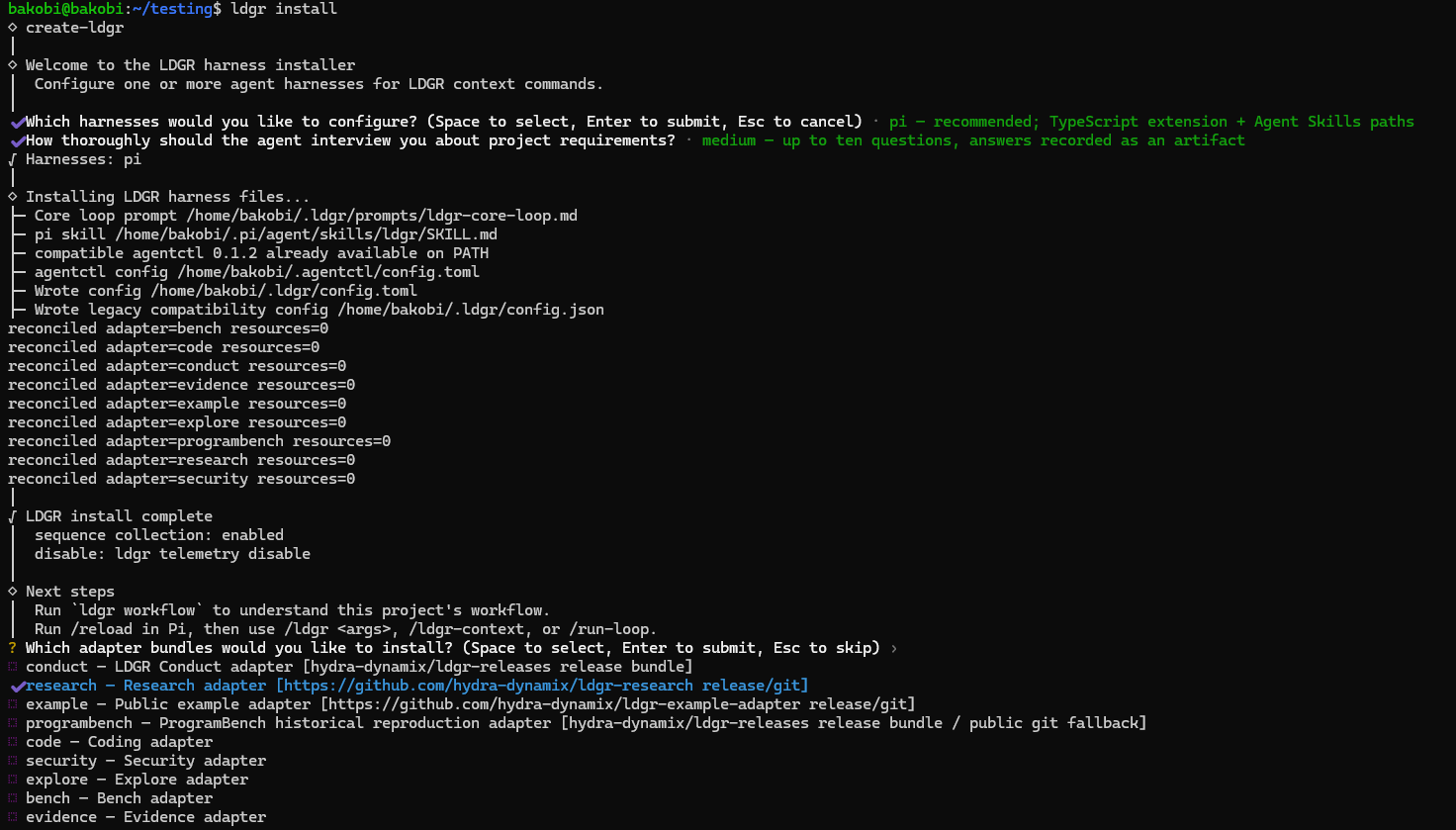
Optionally select adapter bundles during the same installation. Space selects; Enter confirms.
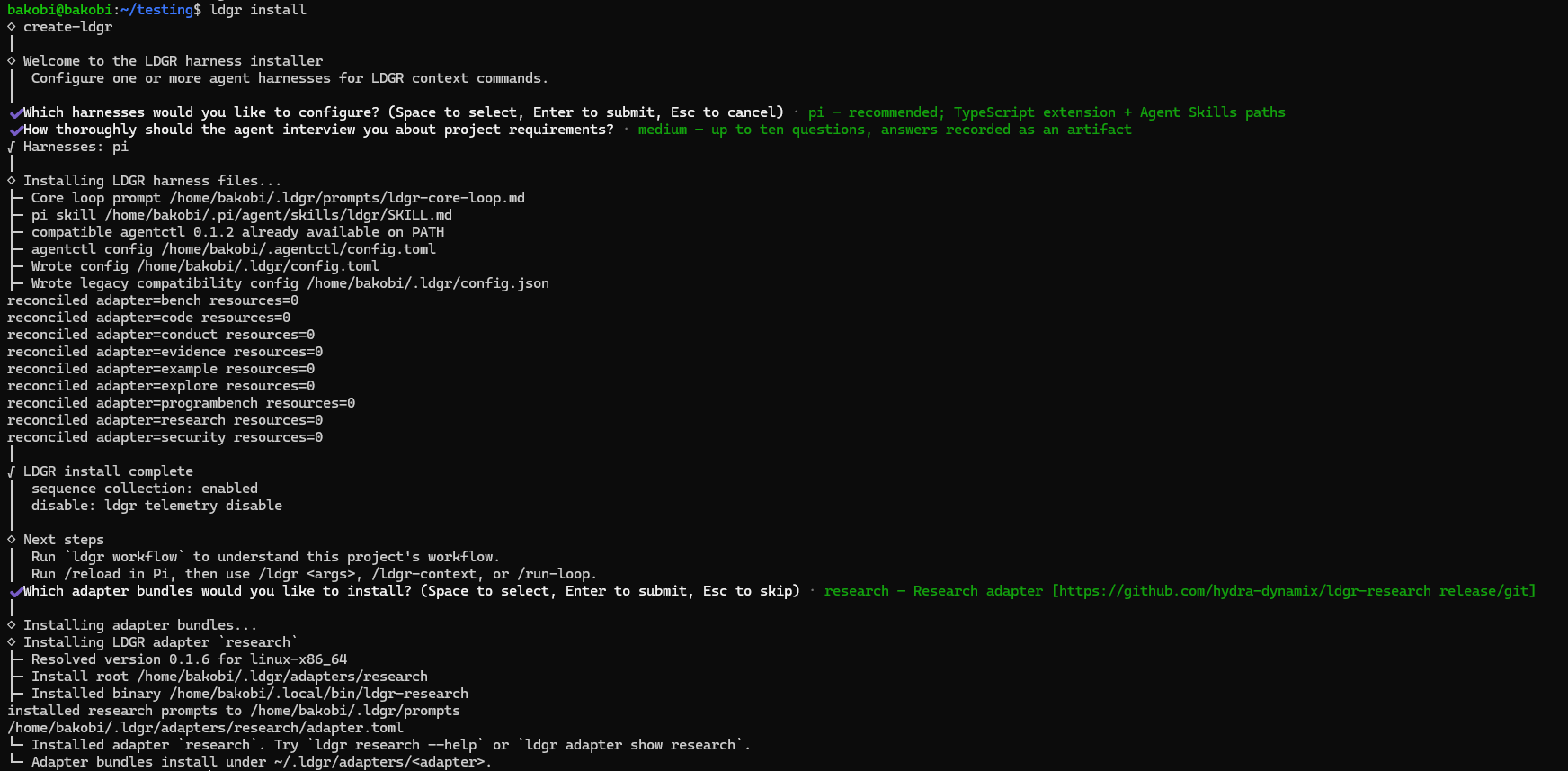
The final history records each installed file and adapter, then prints the next commands to run.
Initialize a project
Run init at the project root. The project ledger lives under .ldgr and should stay with the project across agent sessions.
$ cd /path/to/project
$ ldgr init
$ ldgr status
Record work before execution
A work item states the objective and acceptance boundary. A run records one execution attempt. Close the run with the outcome that actually occurred.
$ ldgr work create fix-export --title "Fix export" --description "Repair CSV export and validate the affected path."
$ ldgr run start fix-export --command "agent implementation"
$ ldgr status